 English
 Español


Better Prompts, Better Results: How to Communicate Clearly With AI
Better Prompts, Better Results: How to Communicate Clearly With AI
Prompts
An AI tool can generate impressive content, but it cannot automatically know the exact result you have in mind. The prompt is the bridge between your idea and the output. It tells the system what you want, how you want it presented, and which details matter most.
A good prompt does not need to sound technical. It needs to be clear, purposeful, and specific enough to guide the result. Learning how to communicate with AI can save time, reduce frustrating revisions, and give you much more creative control.
Start with the objective
Before writing instructions, decide what the final result must accomplish. Are you creating an article image, a social media caption, a product description, a T-shirt graphic, a bookkeeping checklist, or a customer email? The intended use affects the tone, dimensions, structure, and level of detail.
Compare “Create a business image” with “Create a wide editorial illustration for a small-business article about improving cash-flow visibility, using a professional blue and gold palette, clear focal hierarchy, and no text.” The second prompt provides direction the system can actually use.
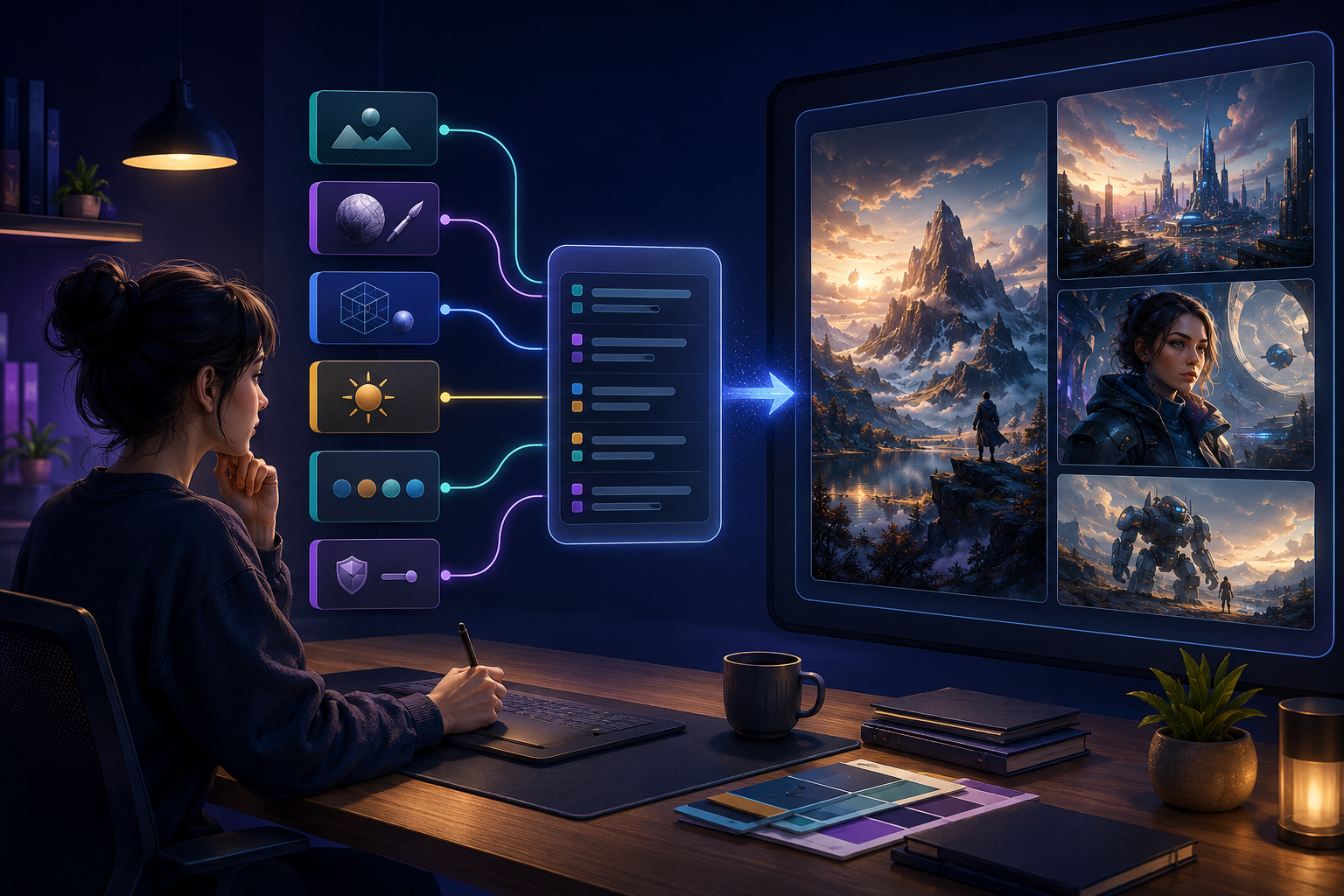
The building blocks of a useful prompt
- Task: State what you want the AI to create or accomplish.
- Subject: Identify the principal person, product, concept, or topic.
- Context: Explain the audience, platform, business goal, or situation.
- Style and tone: Define whether the result should be professional, educational, playful, cinematic, concise, persuasive, or another appropriate style.
- Format: Specify article length, headings, image orientation, table structure, language, or file requirements.
- Constraints: State what must remain, what must be excluded, and which rules must be followed.
Provide context without creating clutter
Useful context improves the result; unrelated detail can make the instruction harder to follow. Include information that changes the answer. A bookkeeping article may need to know that its audience consists of California small-business owners. A product prompt may need the garment color, printing method, and transparent-background requirement.
Organize longer prompts into short sections or bullet points. This makes individual requirements easier to see and reduces the chance that an important constraint is overlooked.
Use examples carefully
An example can demonstrate structure, tone, or level of detail. However, avoid asking for an exact copy of someone else’s protected work or brand. Use references to communicate general qualities while preserving originality. Instead of copying a specific artist, describe the desired medium, color treatment, lighting, texture, and mood.
Refine one meaningful issue at a time
The first output is often a draft. Review it against your original objective and identify the most important difference. Then request a targeted revision: change the camera angle, shorten the introduction, simplify the background, preserve the product, add a missing section, or make the tone more approachable.
For image edits, clearly state the invariants: “Change only the background; keep the character, outfit, composition, and lighting unchanged.” For written work, specify which passages should remain and which require revision.
A reusable prompt framework
You can build many prompts with this simple structure:
- Describe the role or task.
- State the exact deliverable.
- Identify the audience and purpose.
- Provide the necessary content or visual details.
- Specify tone, format, and length or dimensions.
- List required elements and exclusions.
- Ask for a final quality check before completion.
Better prompting is better communication
Prompting is not about discovering magical words. It is about translating your judgment into clear instructions. When you understand the purpose, describe the important details, and refine deliberately, AI becomes a more useful creative and business assistant. You remain the decision-maker; the prompt simply helps the tool understand your direction.